
Tokens and credentials
Create, rotate, and revoke user tokens or workspace credentials without publishing their values.
For first-time agent setup, follow Add agent credentials. This Admin page stays focused on continuing ownership, rotation, and revocation after a credential is configured.
Before you begin
Identify whether the need is a user API token, a workspace runtime credential, or a project connection secret. Give each value an owner and a narrow purpose.
Choose the right surface
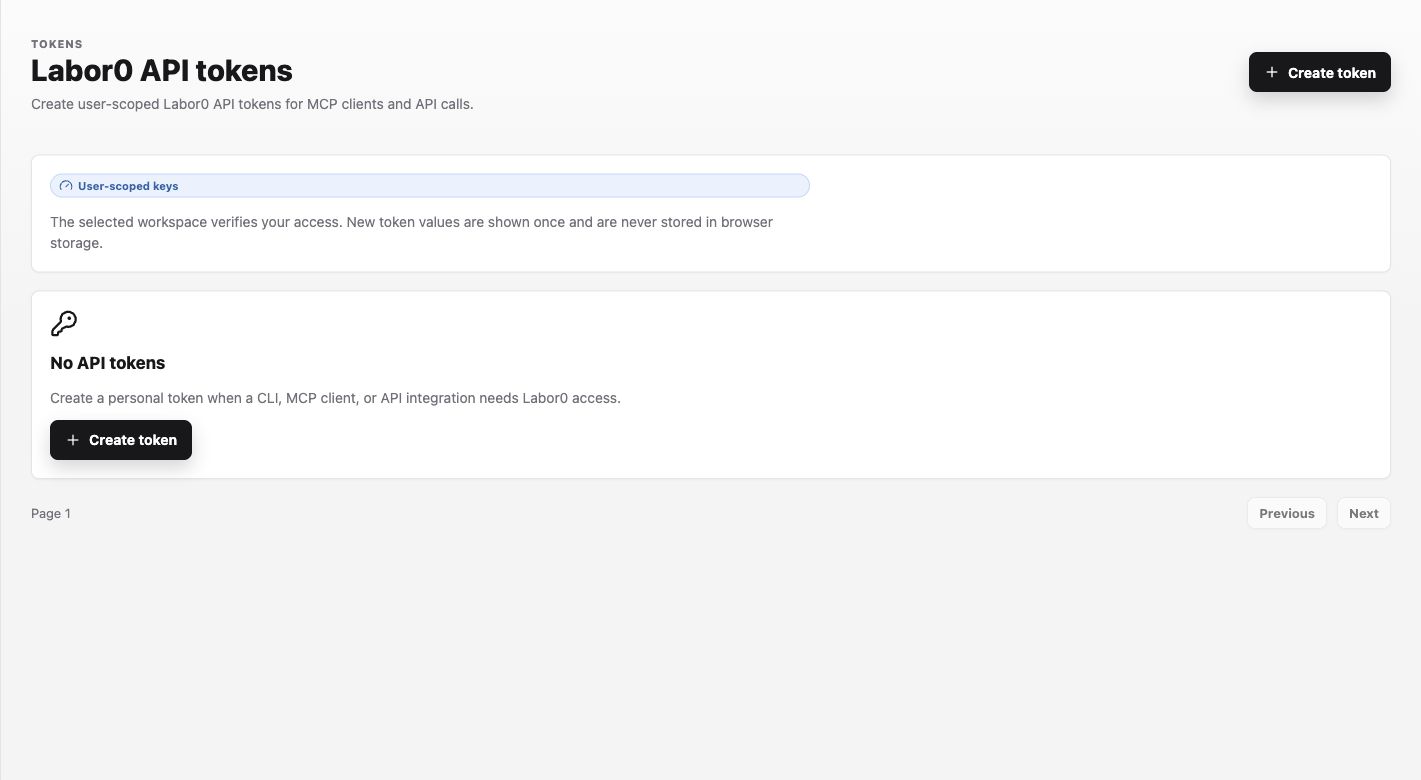
For example, name a developer-machine token Developer CLI - laptop so its owner and consumer are recognizable without putting a secret in the name.
Procedure
- Open the matching credential setting in the Labor0 app.
- For a user token, select Create token, enter a recognizable Token name, and confirm the displayed
labor0:apipermission. - Create the value only when the intended client is ready. Copy the new value from its one-time display directly into an approved local secret manager or protected consumer.
- Return to the token list and confirm the named row reports Ready for Labor0. The list shows an obfuscated value, creation time, and last-used state—not the secret.
- For runtime credentials, expand only the selected runtime row and save the required write-only value there.
- Rotate by creating the replacement, updating the protected consumer, verifying it, and then revoking the old token. Revoke immediately if exposure is suspected.
Expected result
A new API token appears under its name with Ready for Labor0 and an obfuscated value. A runtime credential increases the configured count for its runtime without revealing the saved value. After revocation, the old token stops authenticating immediately and cannot be restored.
Permission guidance
Credential metadata and credential values have different visibility. A viewer may confirm that a value exists without reading it; use the app’s role controls.
If a credential stops working
Symptom: a client or connection loses access. Likely cause: the value was revoked, expired, or copied into the wrong scope. Safe recovery: verify the owner and scope, rotate it in the app, and update the protected consumer.