
Create a workspace
Create a workspace with the right Tenant, name, slug, and initial access before project work begins.
Before you begin
Know which organization context should own the workspace and who should administer it. A workspace is the boundary for projects, connections, members, usage, and settings.
What you will see
After selecting a workspace, Settings > General > Details shows the name used in the workspace selector and navigation.
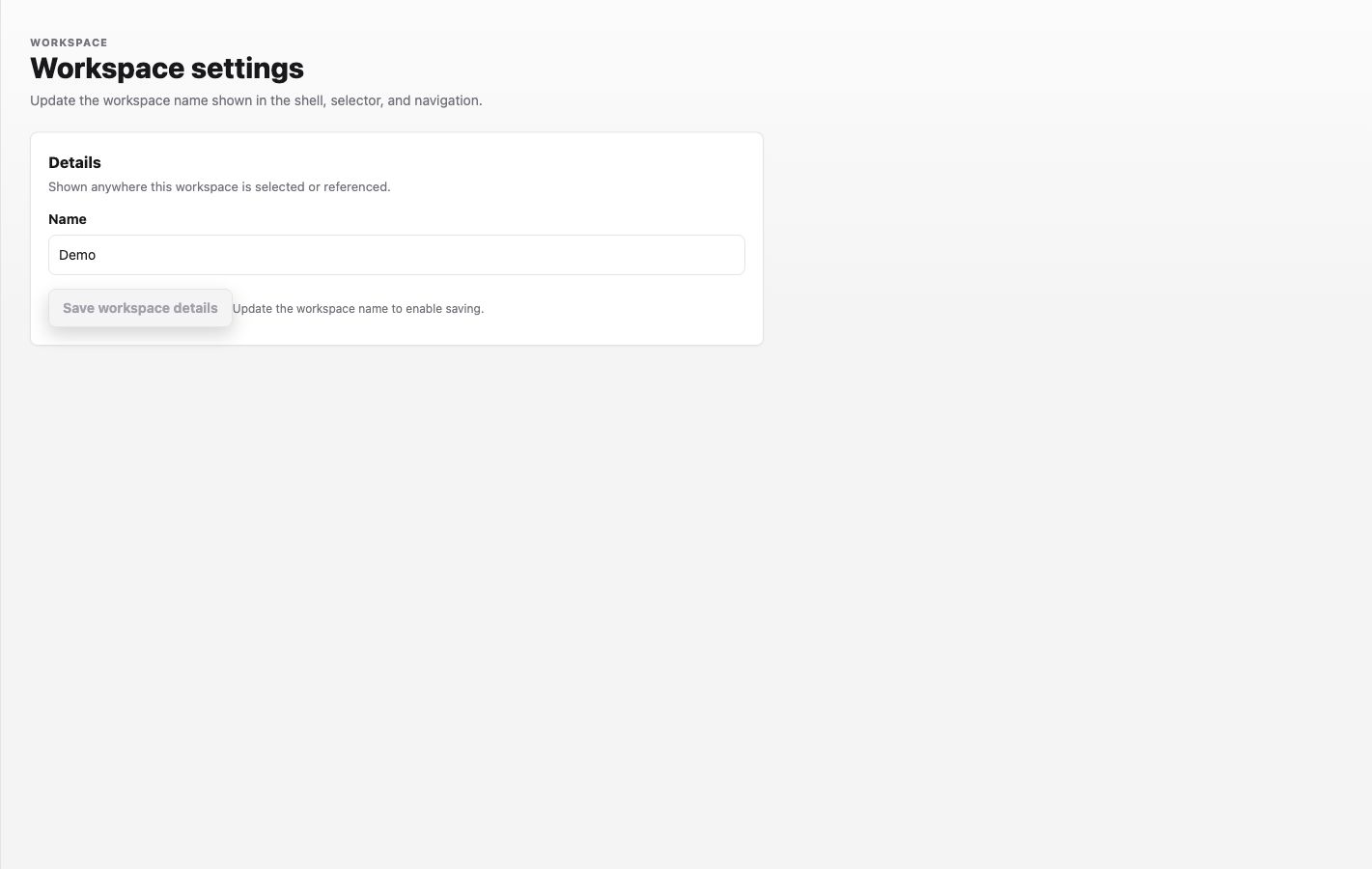
Captured from the Labor0 demo workspace with account navigation excluded.
For example, a product team might use the name Acme product engineering and the slug acme-product-engineering. The slug requires at least two lowercase letters, numbers, or hyphens. Choose values that distinguish the team or environment; avoid putting a customer secret, repository URL, or billing reference in them.
Procedure
- Open the Labor0 app and sign in.
- Open the workspace selector. Choose an existing workspace, or use the create-workspace action if your account offers it.
- Select the owning Tenant, enter the workspace Name, and enter a Slug with at least two lowercase letters, numbers, or hyphens. Create workspace becomes available only when all three fields are valid.
- Select Create workspace, then open Settings > General > Details and verify that the saved name is shown.
- Open Projects. A new workspace should show the first-project action rather than a project-specific Graph or Sessions view.
Expected result
The workspace selector shows the new name, Settings opens inside that workspace, and Projects is ready for project creation. Seeing an empty project state is expected at this point; it does not mean workspace creation failed.
Permission guidance
Only an authorized account can create or administer a workspace. Invite teammates after the workspace exists, using the smallest role that supports their work.
If creation fails
Symptom: the form cannot be completed. Likely cause: the account has no eligible Tenant, or the Name or Slug is invalid or already used. Safe recovery: use the app’s field-level validation message, correct the named field, or ask a Tenant administrator; do not retry with a private identifier.